
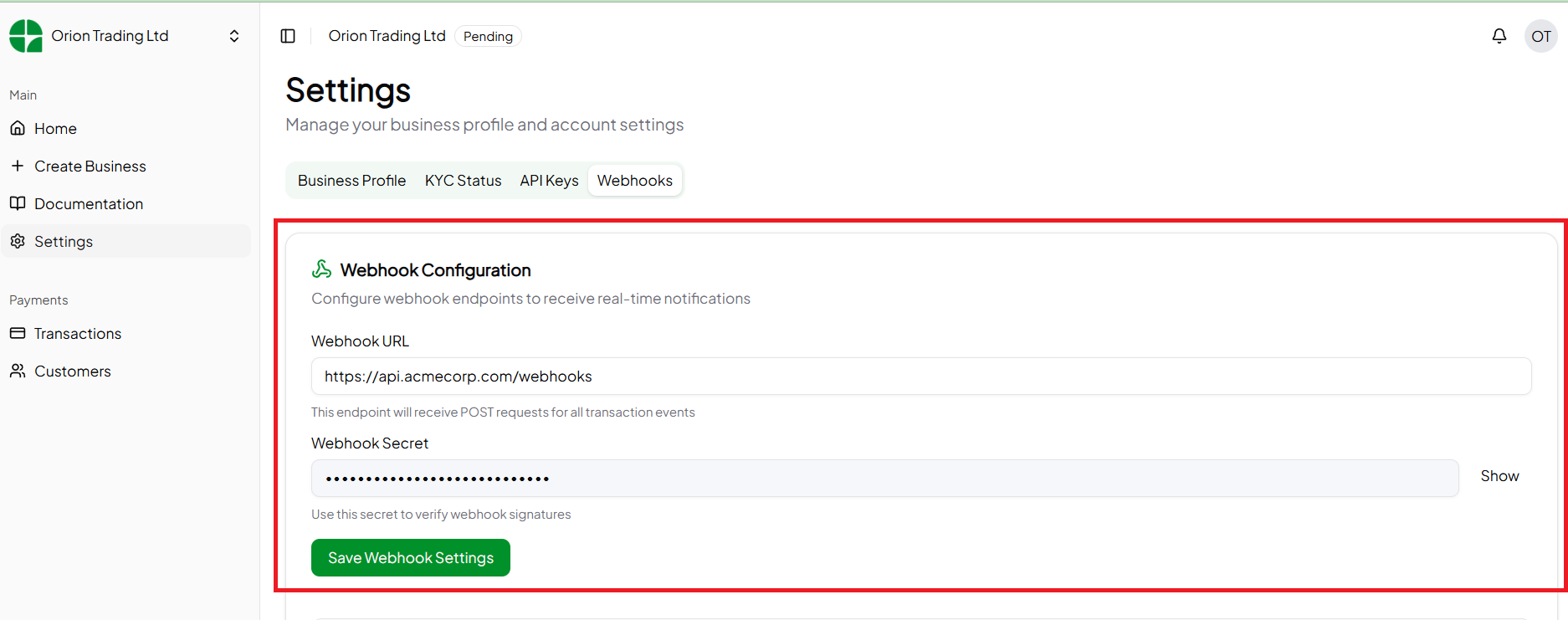
Create a Webhook URL
A POST request is sent to your webhoook URL, with a JSON body containing information about the webhook event. A response with a status code of 200 should be returned in your webhook endpoint to indicate that your system has processed our event. An example of how you can process the webhook events sent to your endpoint:WebHookHandler.js
Verify Event Origin
Since your webhook URL is publicly available, you need to verify that events originate from Orion and not a bad actor. You can validate the signature in the event request’s headers to do this. Events sent by Orion have the x-orion-signature header. The value is a HMAC SHA512 signature of the event request body signed using the webhook secret shown in your dashboard. Verifying that this signature is correct should be done before processing the event. Below is an example of how you can validate the signature:validateSignature.js