
Creating an account
You need to first create an account on our platform. You can go there by clicking the Dashboard button in the navbar or by clicking here. After this you can can create a business on our platform pressing the ‘Create Your First Business’ button and filling the form with the details of your business. The wallet address you enter in the form will be the account that receives the onramped tokens
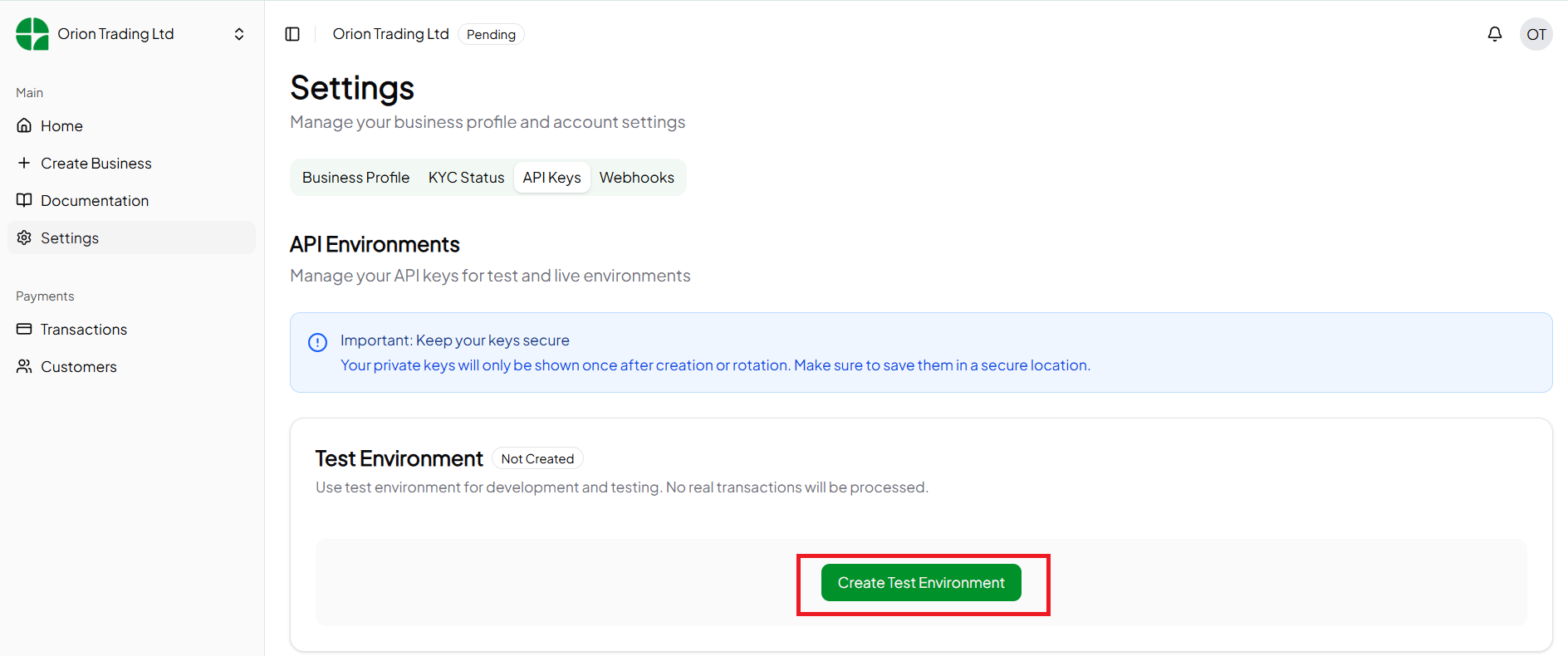
After filling in the form, the business you have created will be in a pending status as our team reviews it. In the Settings page you can go to the API keys tab to create a test environment. In the test environment you can test the integration as your business is being reviewed.
After your business is approved you can create a live environment.
The wallet address you enter in the form will be the account that receives the onramped tokens
After filling in the form, the business you have created will be in a pending status as our team reviews it. In the Settings page you can go to the API keys tab to create a test environment. In the test environment you can test the integration as your business is being reviewed.
After your business is approved you can create a live environment.
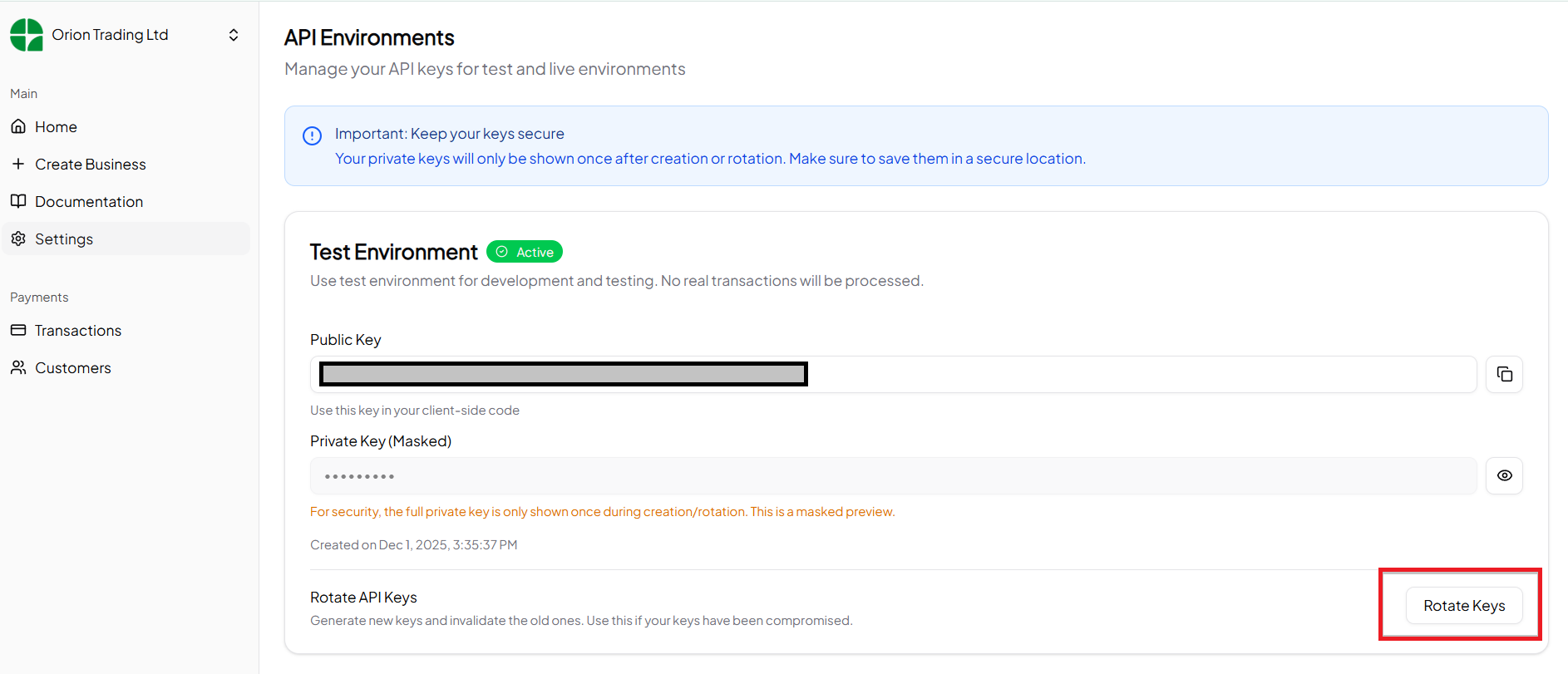
Creating an environment
An environment holds the private keys you’ll use to interact with our APIs. There are two types of environments:- Test environment - is used to test your integration with our platform. The money sent in this environment is not real and the tokens received are on testnet.
- Live environment - will be used for the live integration with our platfrom. The money sent is real and the tokens you’ll receive are on mainnet
Creating a payment request
With the API key you’ve gotten in the previous step you can now initialize a payment request. A payment request is initialized when you want to receive a payment from your users. For example, if you have a Buy button on your DApp and you want to allow users to pay using fiat you would initialize a payment request on your backend by calling the API endpoint that will be shown. The endpoint will then return a payment url that you’ll show the user. The user will then pay for the product in this page. When the user has succesfully paid the tokens will be sent to your account. When the tokens are sent to your account a success message will be sent to your webhook url. We will now show how all of this will be done. To initialize a payment request you’ll make an API call to this endpoint An example of a payment request for 100 Kenya shillings is shown below. For more details on how to interact with the API you can look at the Endpoint examples section of the documentation.initializePayment.js